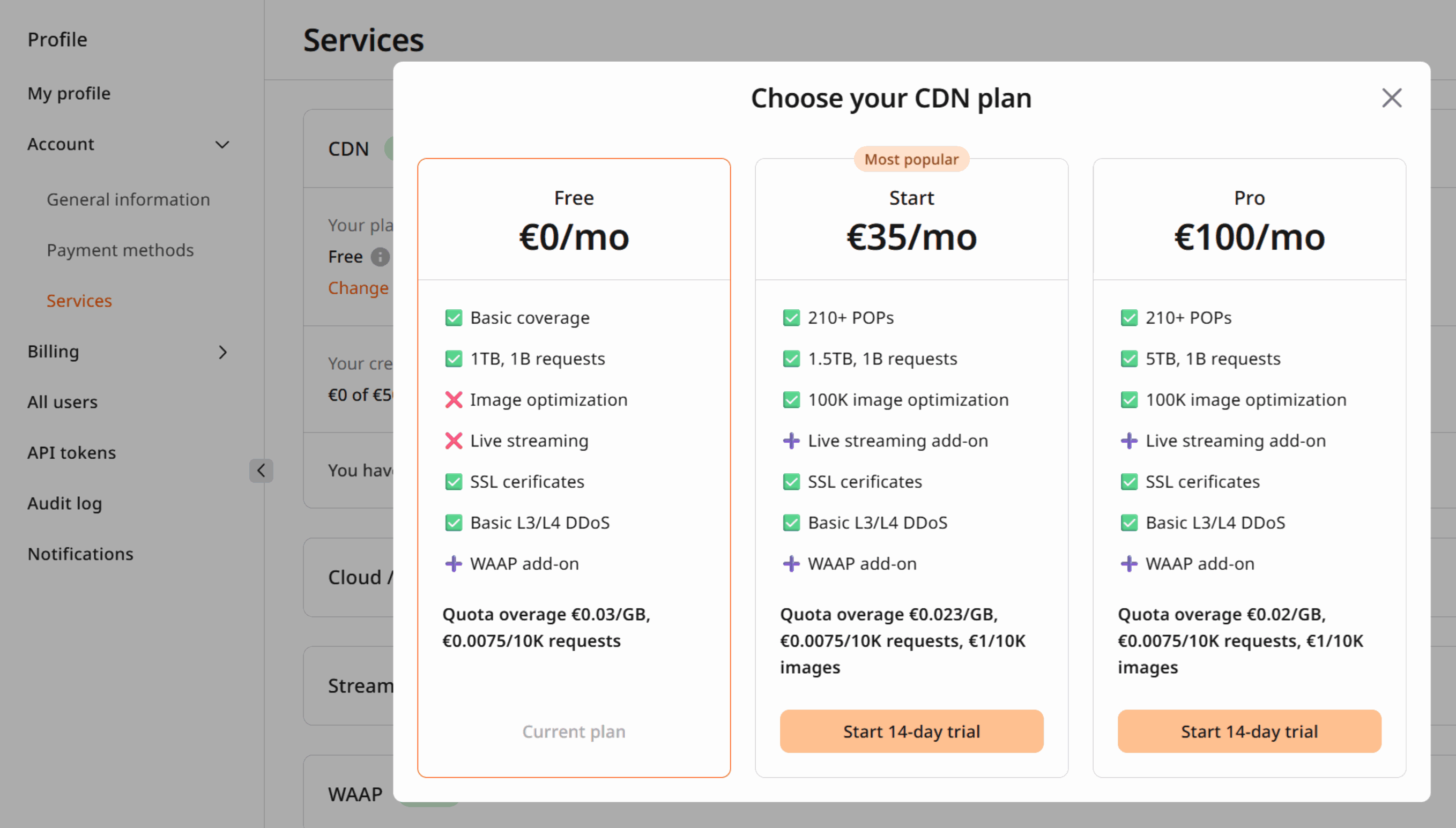
Billing plans and overage
Each plan has a one-month traffic limit and a request limit. When traffic or the number of requests exceeds the plan limit, additional charges apply.
Plan fees are prorated when a plan is activated mid-month. Activating a €100/month plan on September 15 — with 15 days remaining — results in an initial charge of €50. On October 2, the full €100 is charged for the entire month.
Overage is charged in portions of €50 or $60 because this is the credit limit — the maximum value of unpaid costs. The CDN keeps working as long as overage charges stay below the credit limit. Unpaid costs below the credit limit are charged on the 2nd day of the following month together with the plan fee.
Assume the plan costs €100/month and the credit limit is €50. The traffic limit is reached mid-month. The extra traffic rate is €0.02/GB. By the end of the month, 100 GB of extra traffic has been used — €2 in overage. Since €2 does not exceed the €50 credit limit, it is charged next month: the total charge is €102 instead of the regular €100.
The credit limit shown above is illustrative. The actual limit is visible in the account Dashboard.
Service suspension for non-payment
Once overage costs reach the credit limit, Gcore charges that amount from the account. If payment fails, the linked payment instrument (a credit card added at signup) is charged automatically. If payment fails again, the CDN stops delivering content. Recharge the account manually — Gcore charges the unpaid costs and reactivates the services. The credit limit renews and the CDN keeps running until the credit limit is reached again. If on the 2nd day of a month the account balance is insufficient to cover services, two scenarios apply:- No unpaid costs from the previous month: Gcore charges the account for the plan fee and additional options. If payment fails, the linked payment instrument is charged. If that also fails, Gcore retries on the 3rd and 4th of the month. If payment fails on the 5th, all active services — CDN, Object Storage — are suspended.
- Unpaid costs from the previous month: Gcore charges the unpaid costs first, then the plan fee and additional options. If payment fails, the linked payment instrument is charged. If that also fails, all active services — CDN, Object Storage — are immediately suspended.
Charges and payment history
1
Open account profile
Log in to the Gcore Customer Portal, click the profile icon, and select Profile.
2
Navigate to Billing
Navigate to Billing. The following sections are available: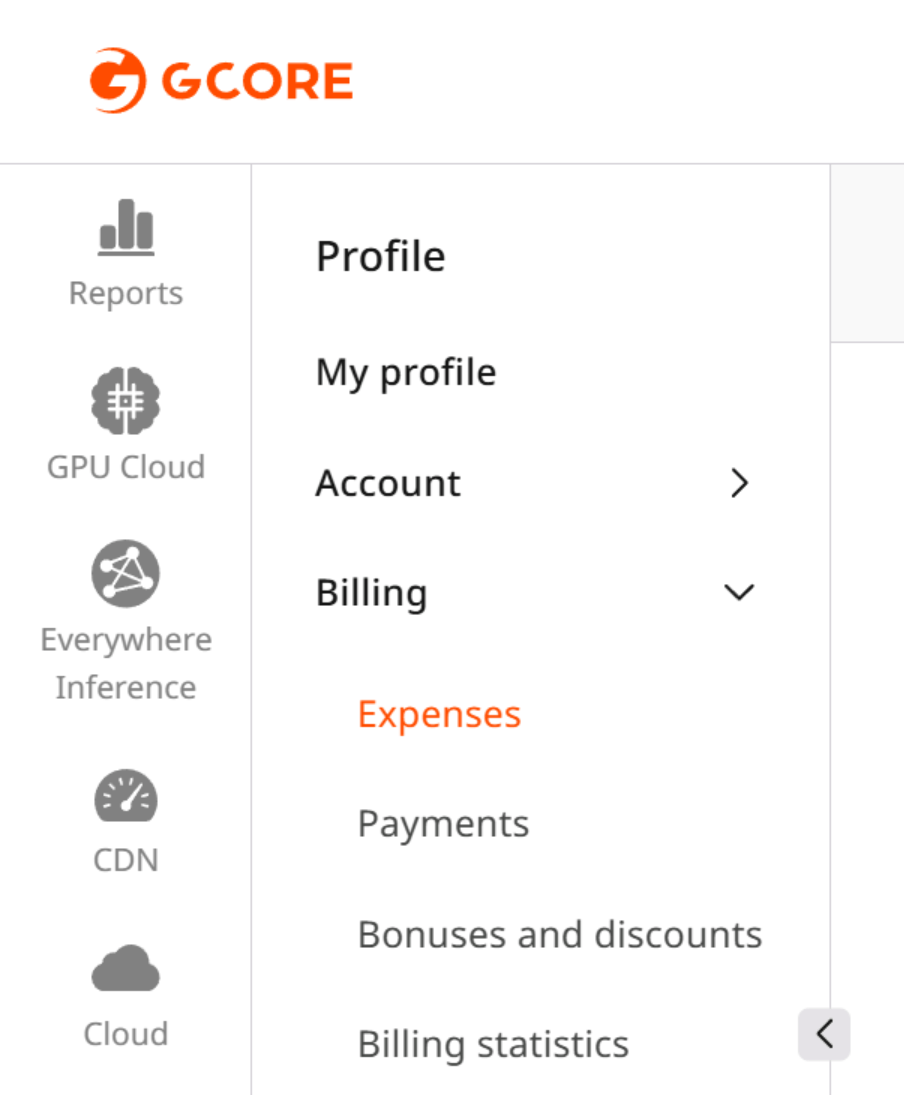
- Expenses — all transactions charged for products and services.
- Payments — all account recharge transactions.
Change the billing plan
1
Open account profile
Click the profile icon and select Profile.
2
Navigate to Services
Navigate to Account and select Services.
3
Change the plan
Expand CDN and click Change plan to select a different plan.