

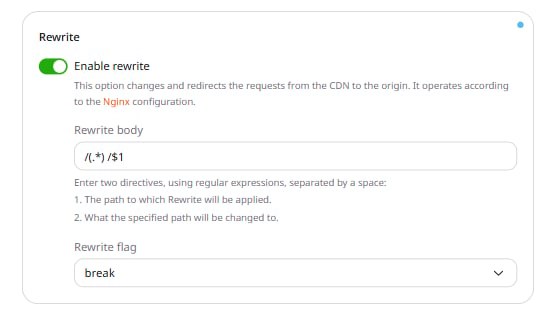
/(.*) /$1 as an example. Replace it with two space-separated directives using regular expressions:
- The path the Rewrite applies to.
- The replacement path.
/media/ directory, use:
/(.*)— matches all paths after/. The(.*)group captures everything that follows the slash./media/— the directory on the origin where CDN servers look for content.$1— references the first capture group. Use$2and$3for the second and third groups.
- break (default) — stops processing further rewrite rules after this one.
- last — stops processing rewrite rules and starts a new location search.
- redirect — returns a 302 temporary redirect to the client.
- permanent — returns a 301 permanent redirect to the client.