

About redirection from origin
The Redirection from Origin option controls whether the CDN follows redirects returned by the origin. By default, this option is disabled, which means that when the origin returns an HTTP 3xx status code, the CDN caches and serves this response to the end user. When the option is enabled, the CDN automatically retrieves the target content from the new location, which is then cached and returned to the end user.Configuration
Configure origin redirection via the Customer Portal or REST API.- Customer Portal
- REST API
To configure origin redirection using the Gcore Customer Portal:1. Navigate to CDN and select the CDN resource to configure.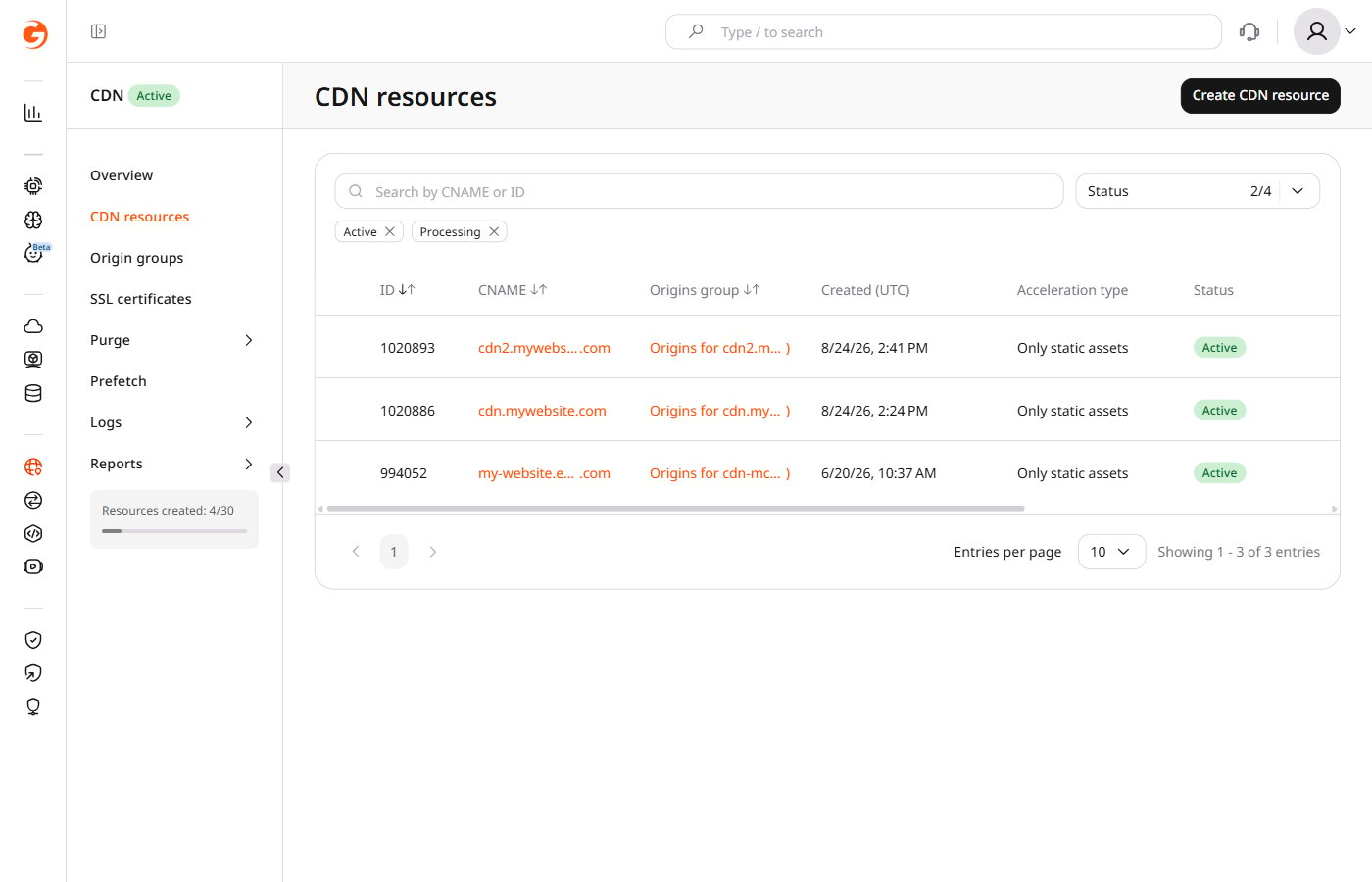
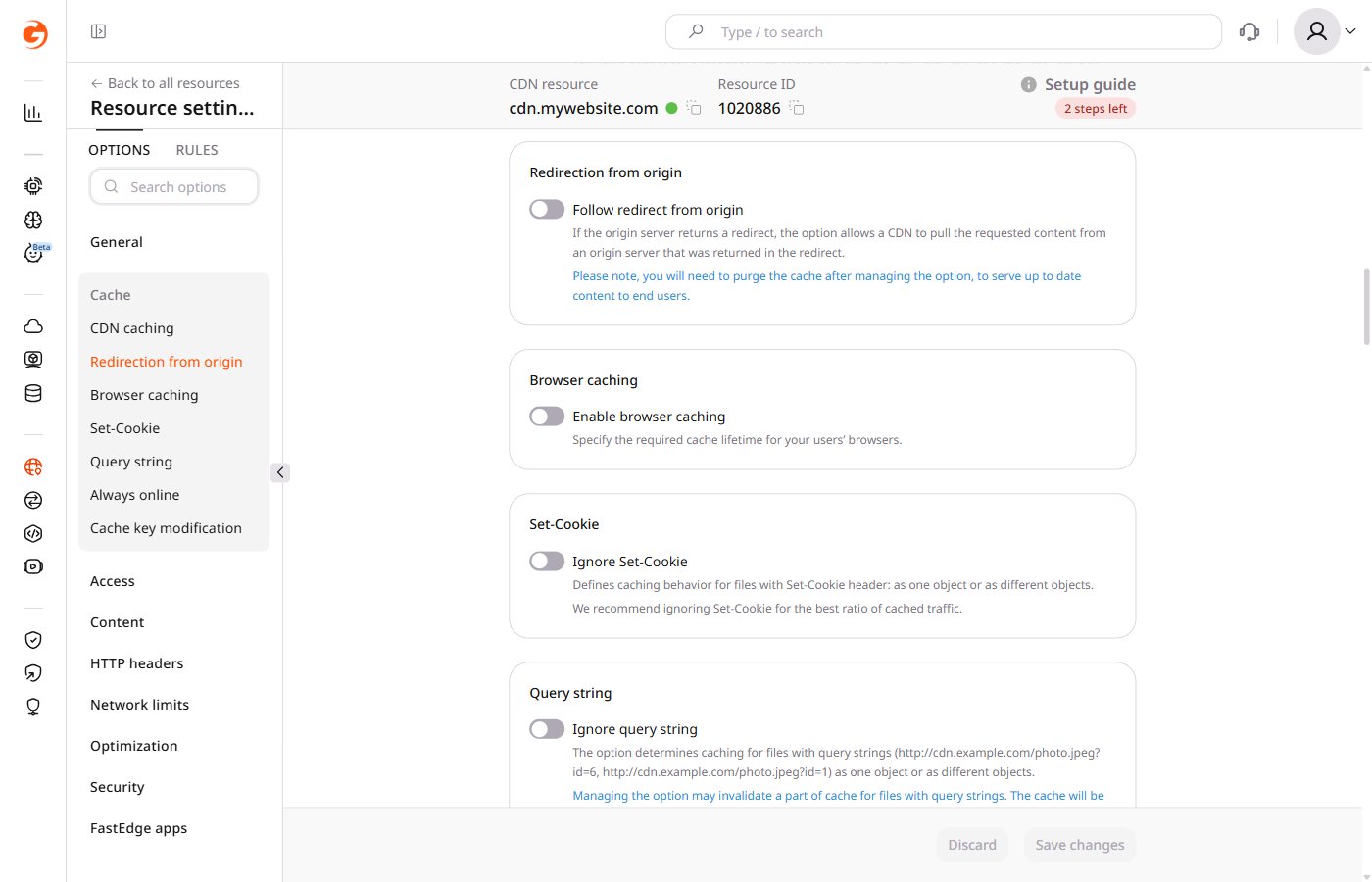
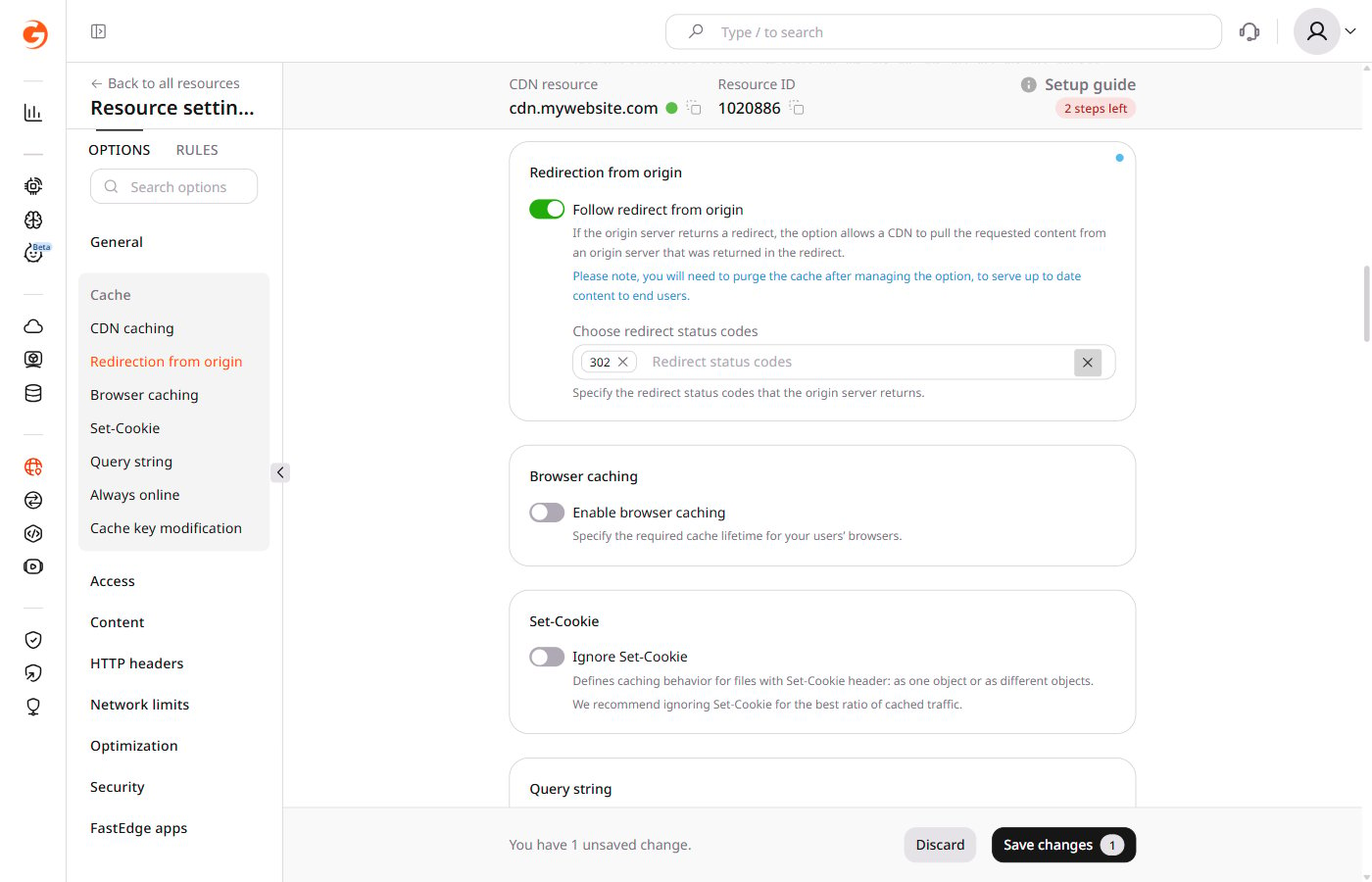
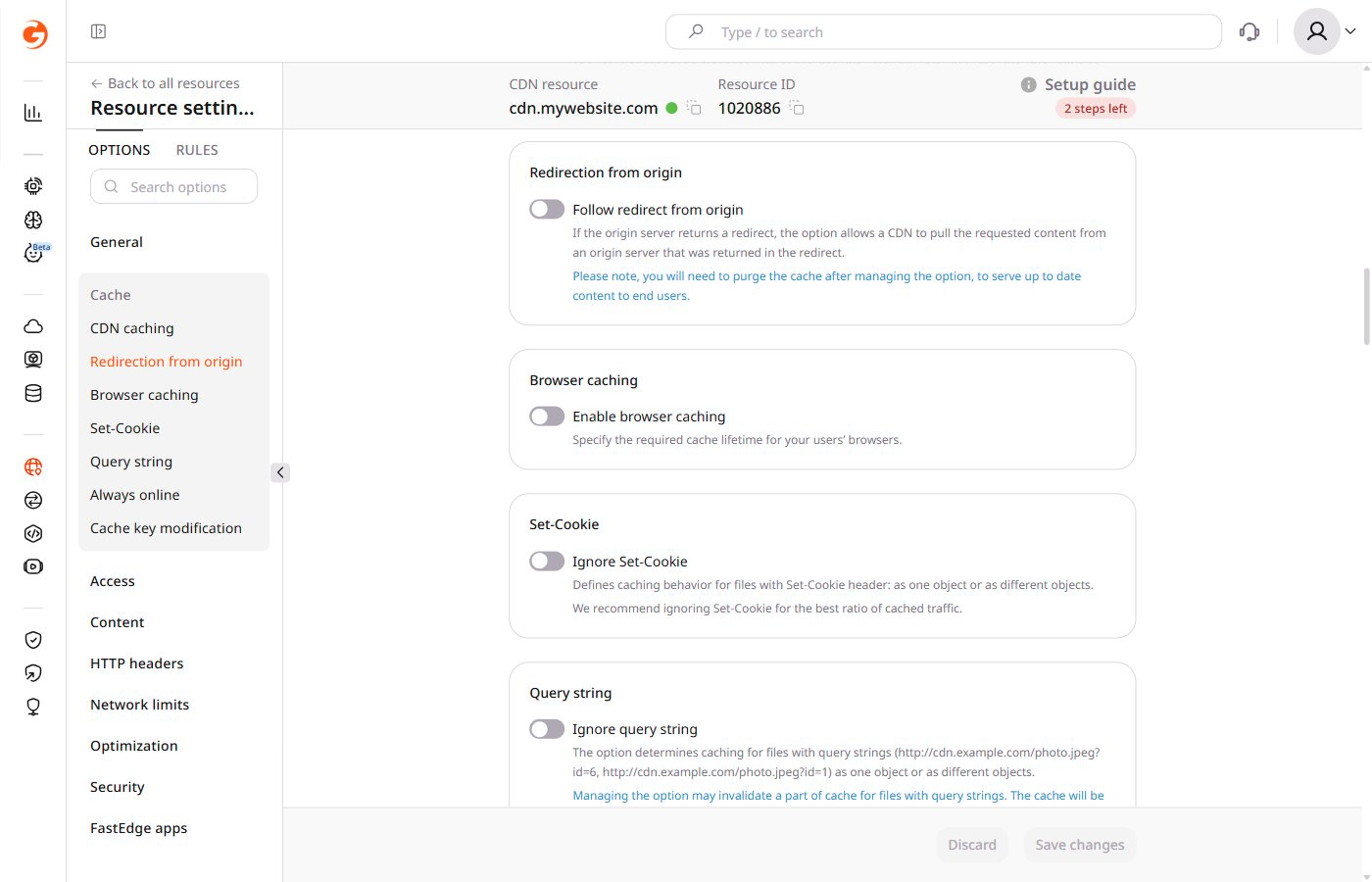
- 301 — to follow redirect for status code HTTP 301
- 302 — selected by default; follows redirect for status code HTTP 302
- 303 — to follow redirect for status code HTTP 303
- 307 — to follow redirect for status code HTTP 307
- 308 — to follow redirect for status code HTTP 308
After saving, purge the cache so that end users receive updated content.