

Cache-Control header to browsers unchanged. If the origin sends no Cache-Control, browsers may apply heuristic caching if a Last-Modified header is present. If neither header is present, content is not cached in the browser.
When CDN controlled is active, Gcore CDN overrides origin cache headers and adds the following to each response:
Cache-Control— sets the maximum browser cache time. A 12-hour expiry returnsCache-Control: max-age=43200.Expires— calculated from the current time plus themax-agevalue.
Browser caching applies to responses with codes 200, 201, 204, 206, 301, 302, 303, 304, 307, 308. Responses with other codes will not be cached.
Enable browser caching
To enable and configure browser caching on a CDN resource:1
Navigate to CDN resources
In the Gcore Customer Portal, navigate to CDN and click the custom domain of the target resource.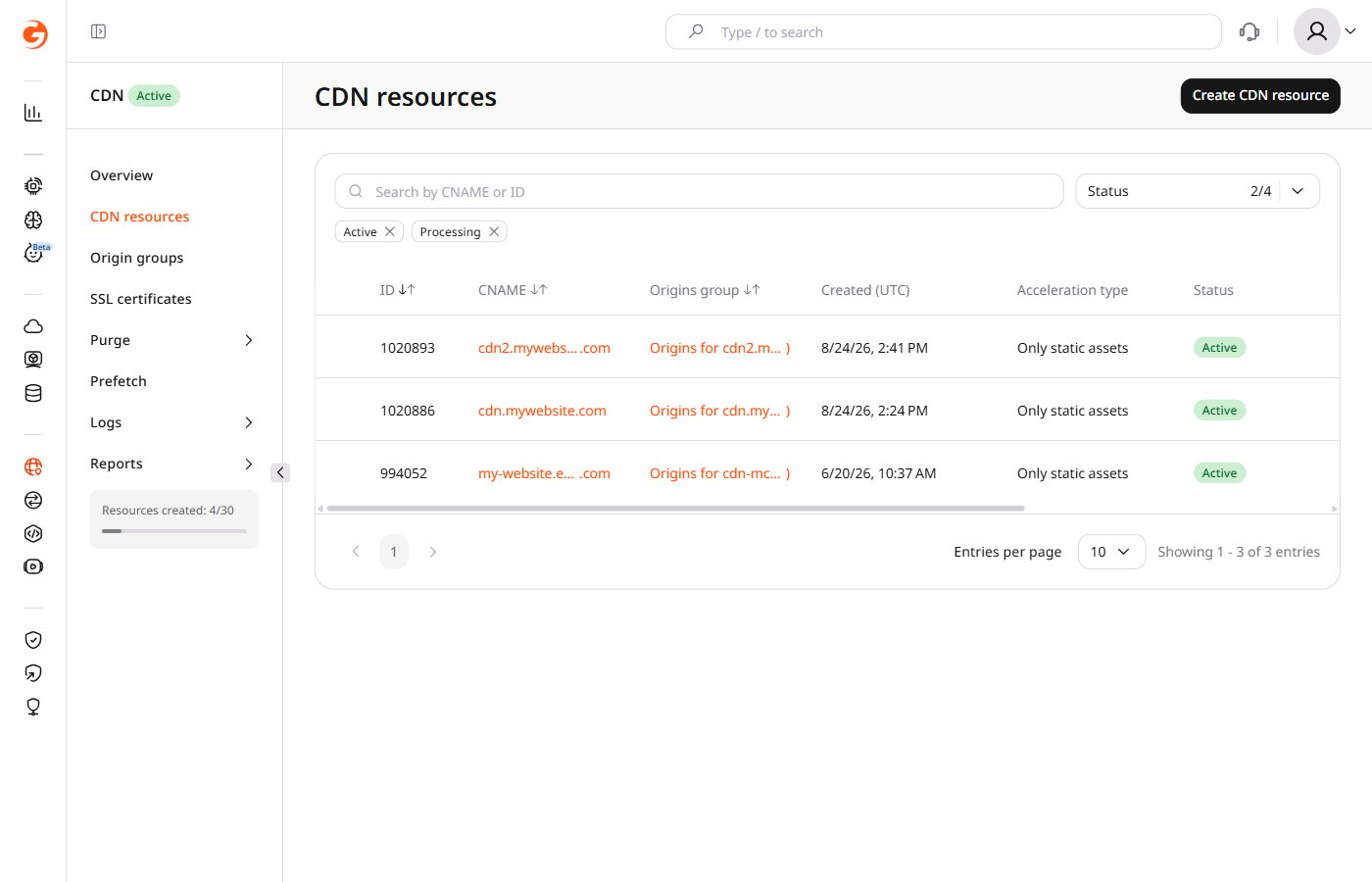
2
Open browser caching settings
In the Cache section, click Browser caching.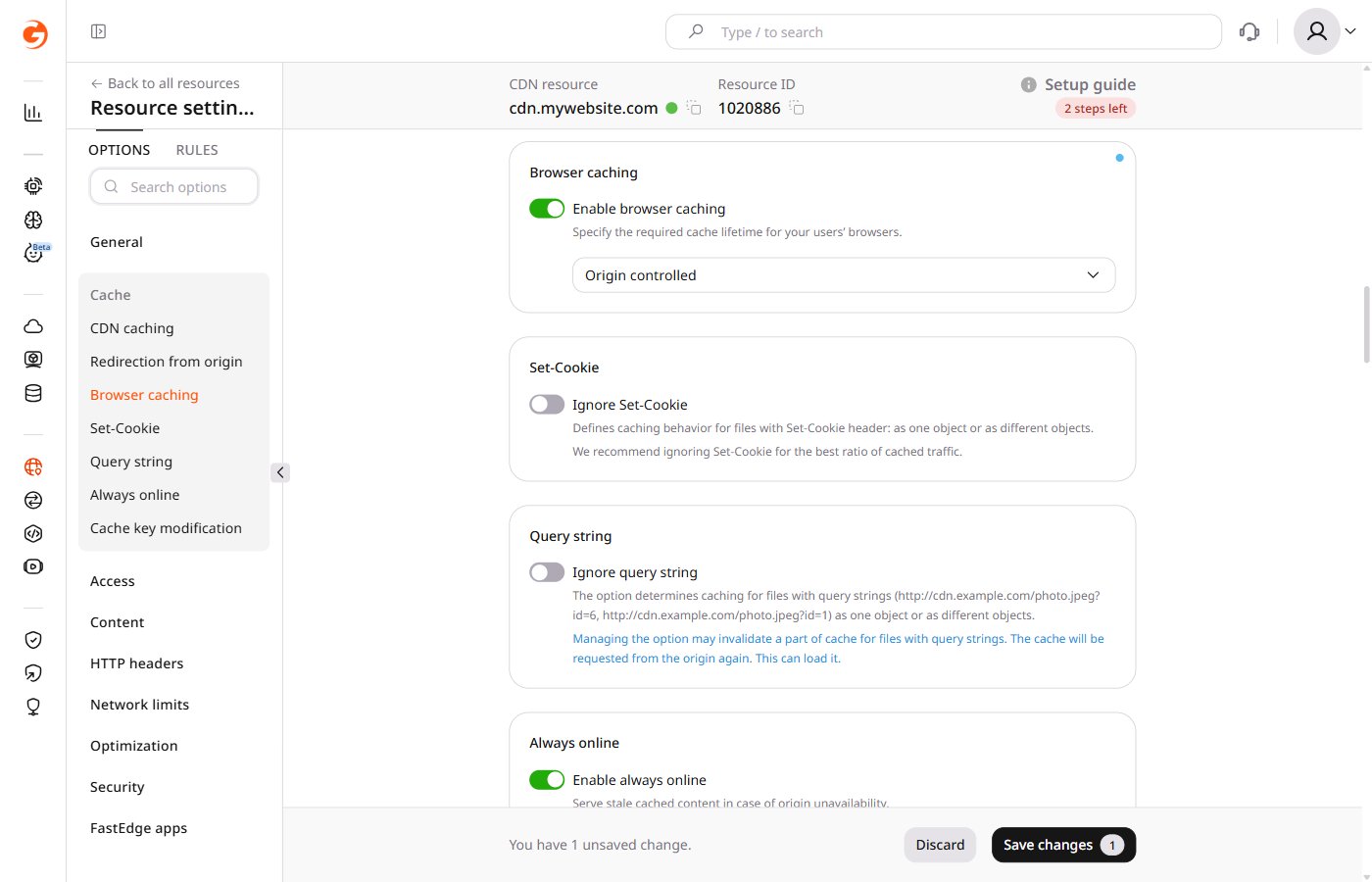
3
Enable the toggle
Turn on the Enable browser caching toggle.
4
Select the caching mode
From the dropdown, select Origin controlled or CDN controlled. If Origin controlled is selected, the configuration is complete — proceed to save. For CDN controlled, configure the expiry using the expandable block.
Configure CDN controlled mode
Configure CDN controlled mode
From the list, select an expiry period. The recommended value is four days.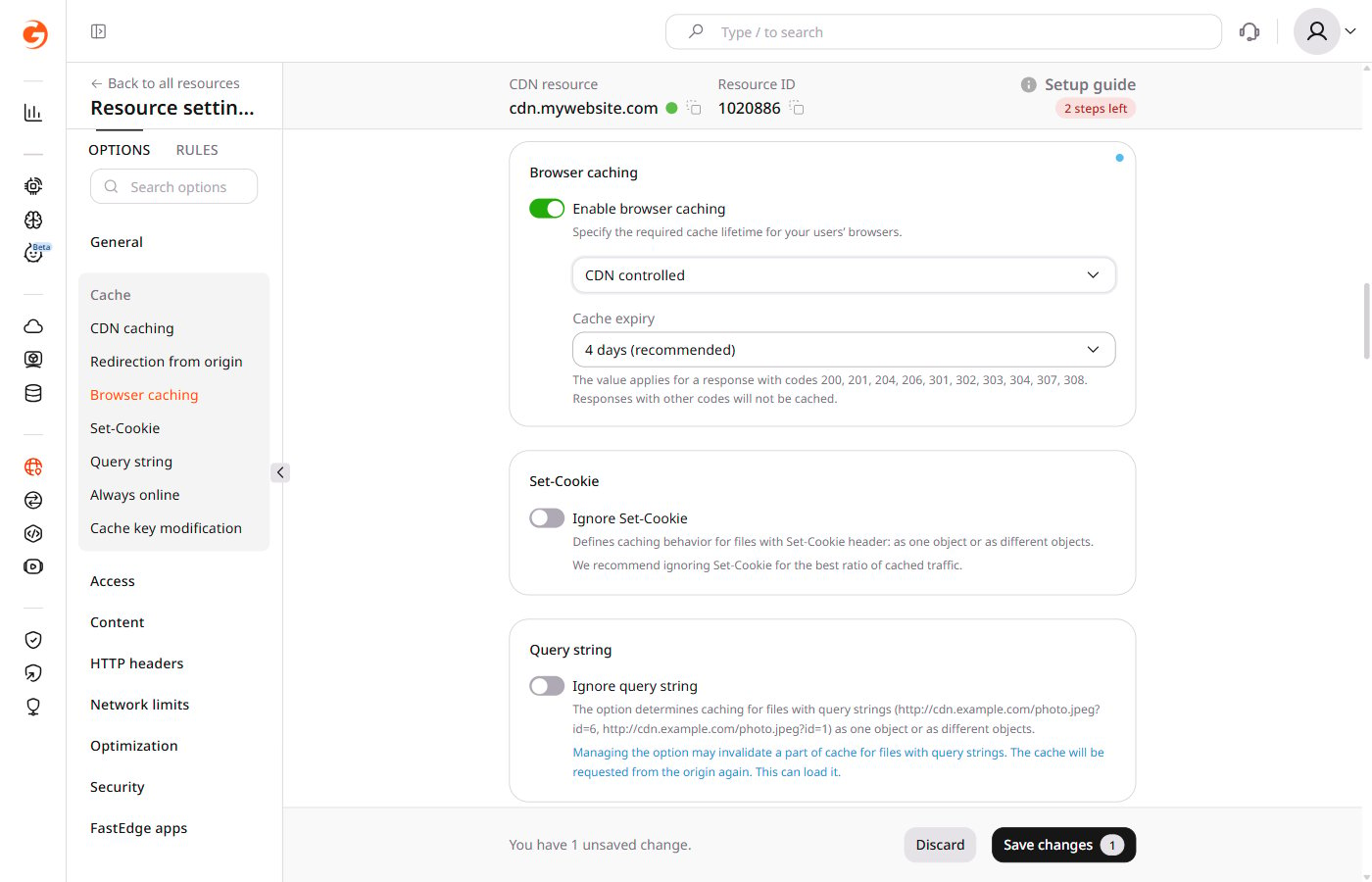
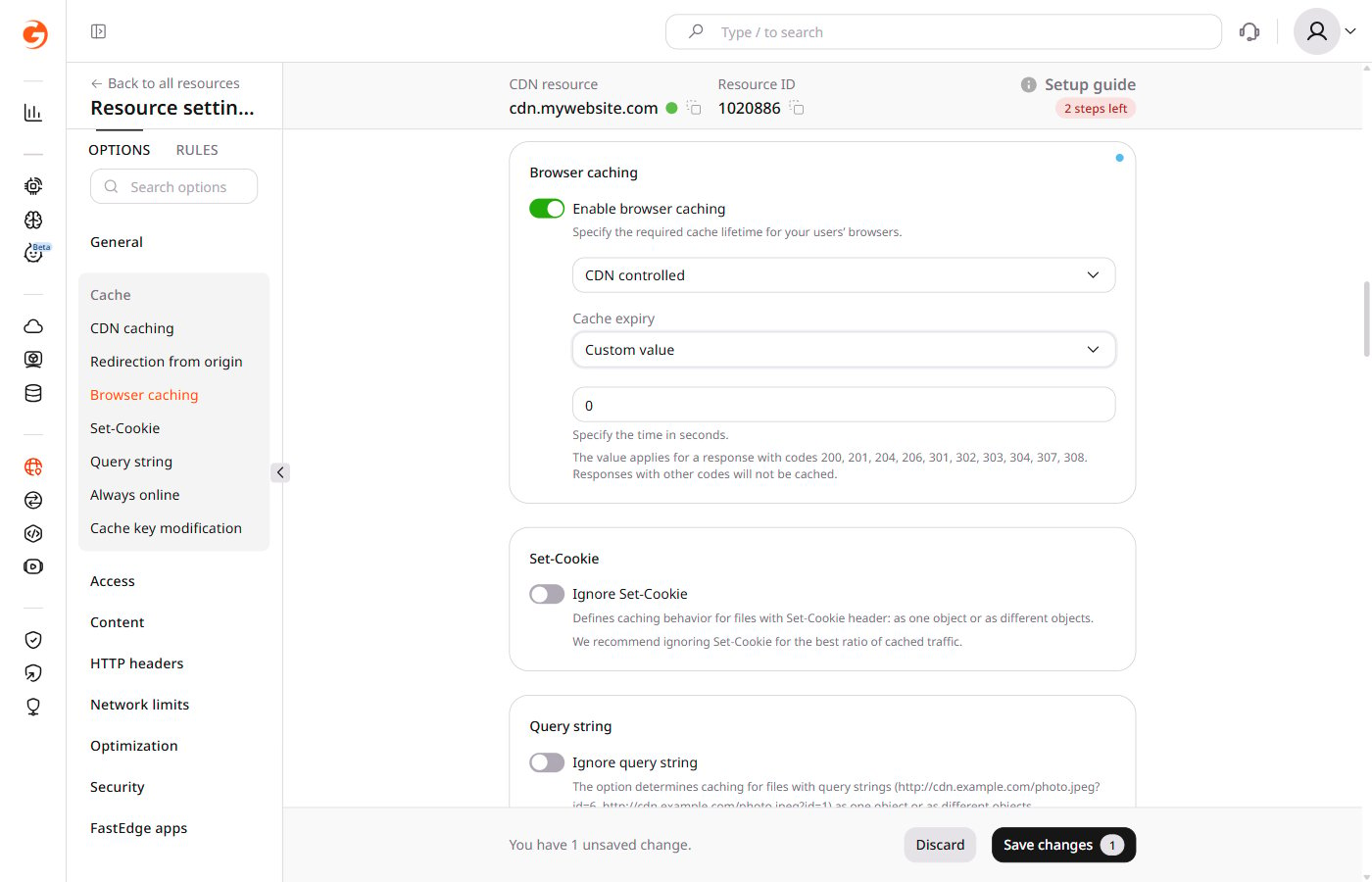
86400.5
Save
Click Save changes.